top of page
GRACE LE
BUILDS IT!
C-O-D-I-N-G
The Chasing Game
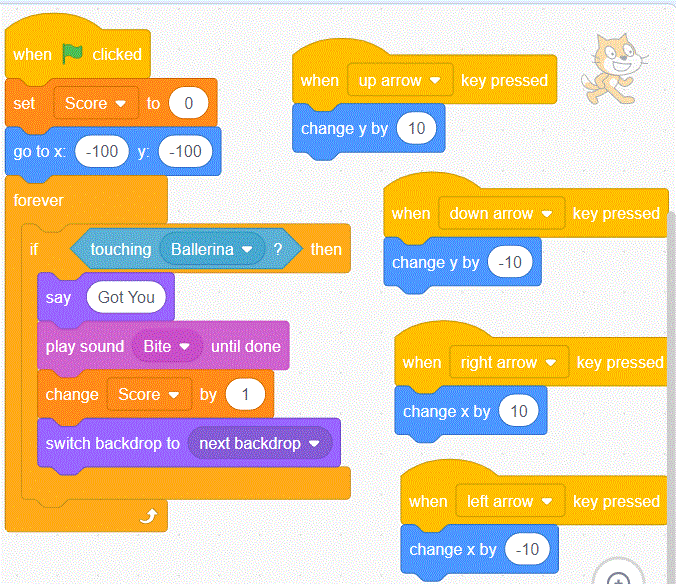
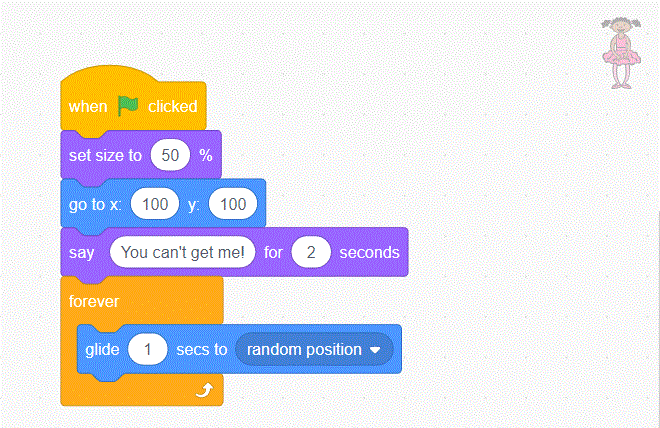
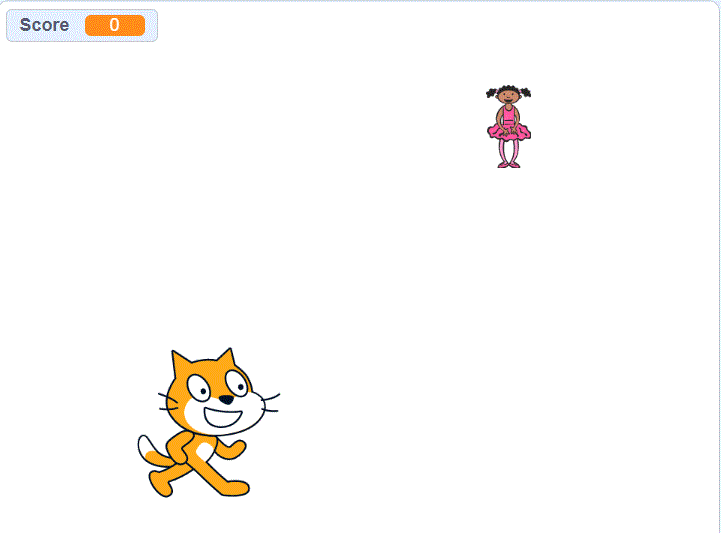
In this tutorial, we were to create a chasing game. The goal is to use the arrows on the players keyboard to chase the ballerina. Each time the play presses down on an arrow, it the cat will move 10 in that direction. Each time the cat reaches the ballerina, the play will get one point. Can you beat my high score of 10? To play, just click on the button below!
Code A Cartoon
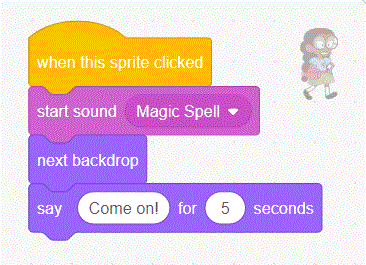
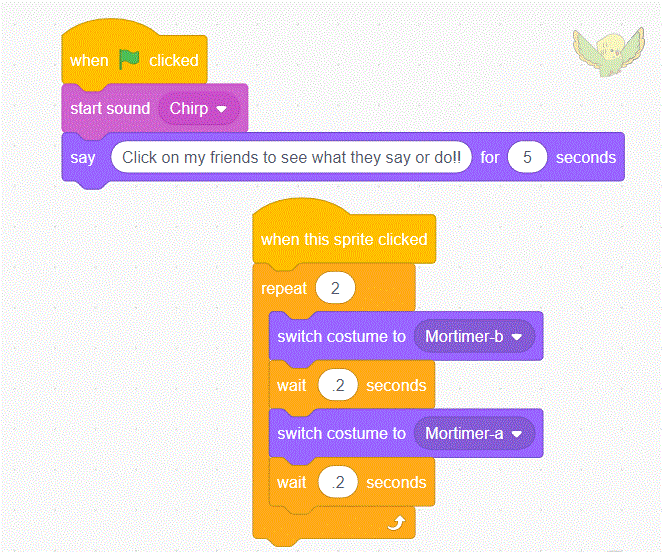
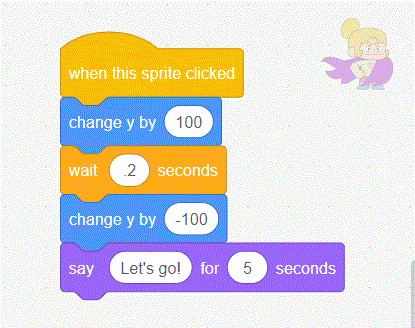
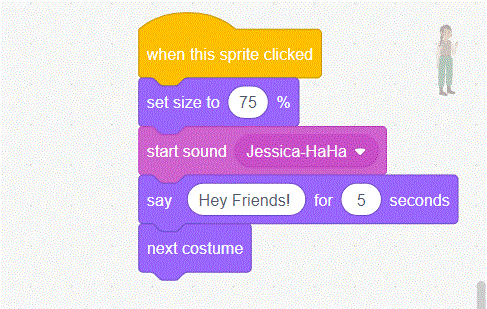
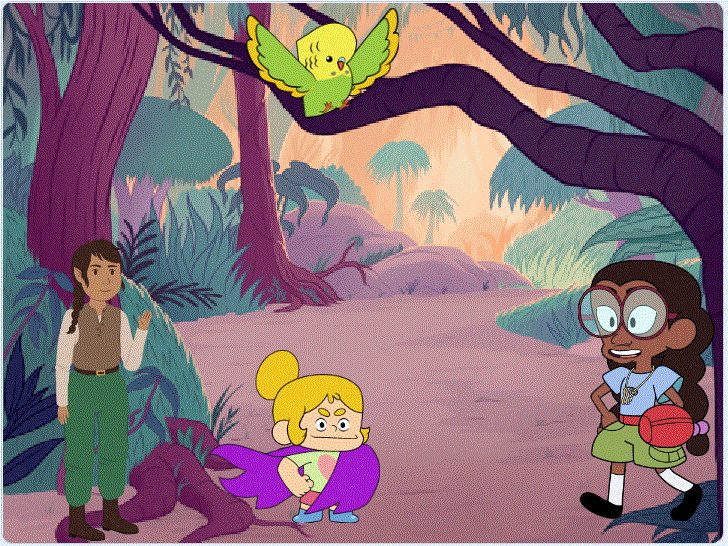
For this tutorial, it explains how to create a cartoon and the many things a cartoon can do. When the green flag is pressed, the parrot will start to chrip and a speech bubble will pop up. The directions will show and the player can click on each character to see what they do! Can you guess what they are trying to do? Click on the button below to find out!
Animate A Name
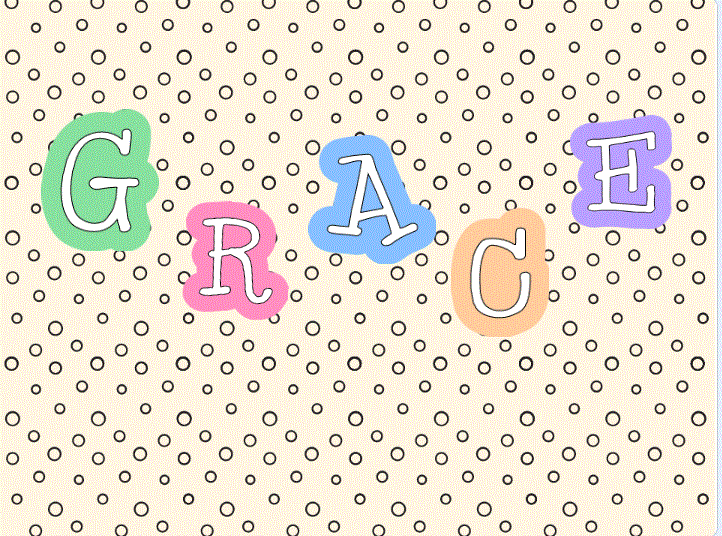
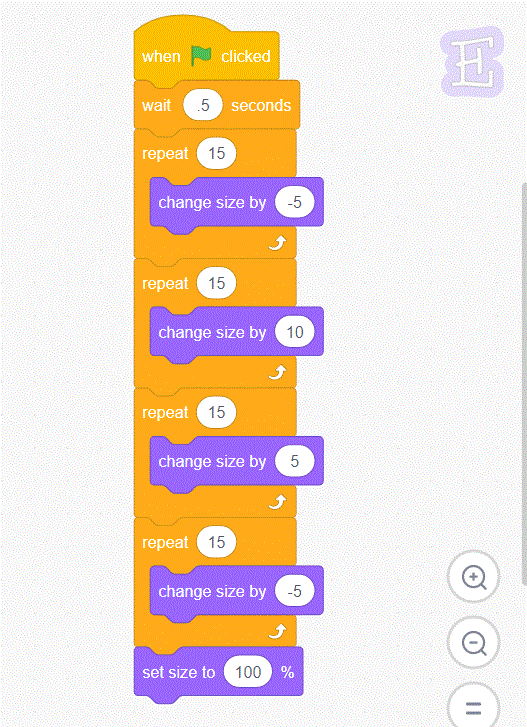
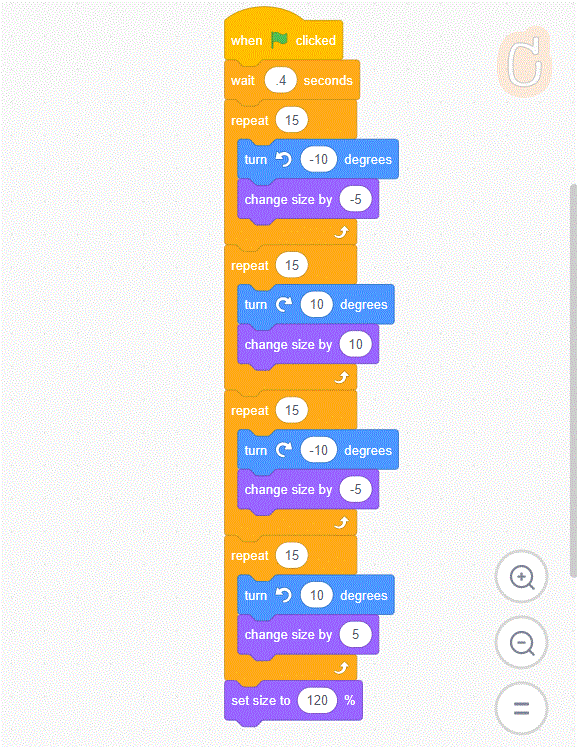
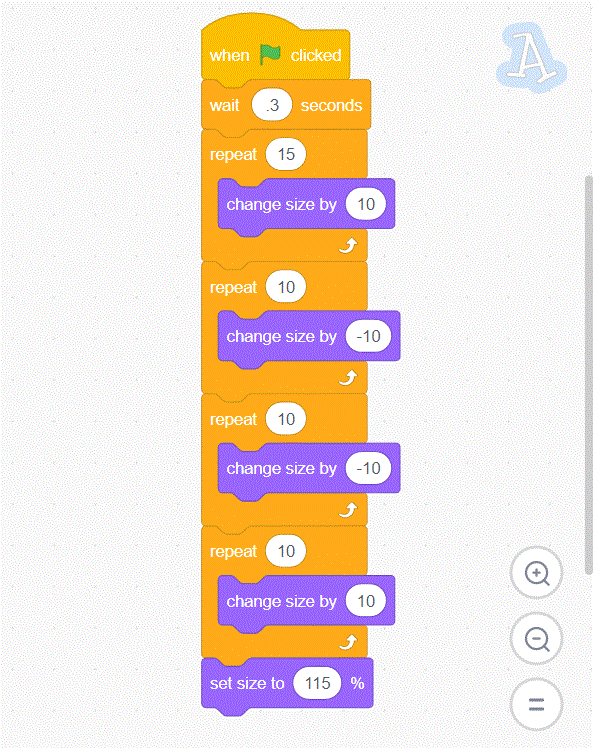
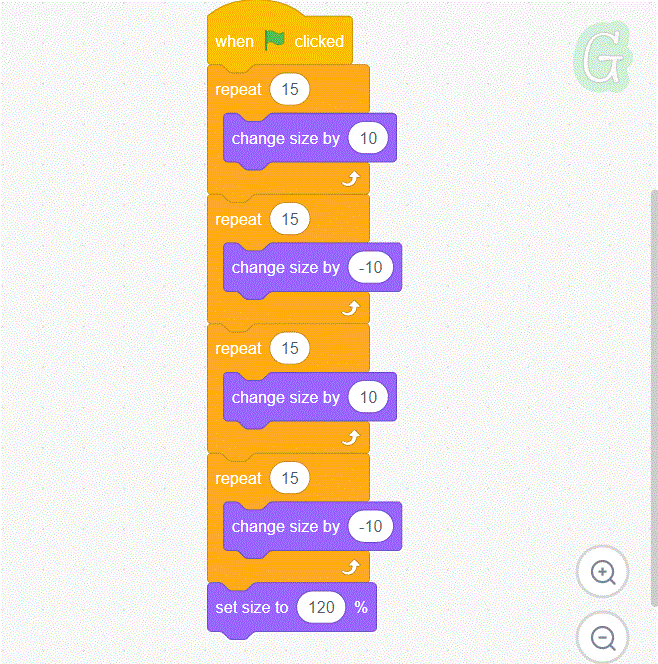
This tutorial is about how to make your name fun and exciting! It's a fun way for students to be creative with their names. I was able to type my name out and have each letter do something cool once you click on the green flag. On each sprite, I would click on a command like, make the letter grow or skrink, or rotate. To make it conintous I would have to repeat the command multiple times as shown below. Most of my turns that go left and right are 10 degrees. Chaging the size of my letter are also by 10 and -10. To make it to one after the other, I had to set each letter a waiting time before they could start their action. At the very end, I want my letters to be at the same size they were at the start, so I set the size to their original size. Click on the button below to see my creation!

Starter Projects
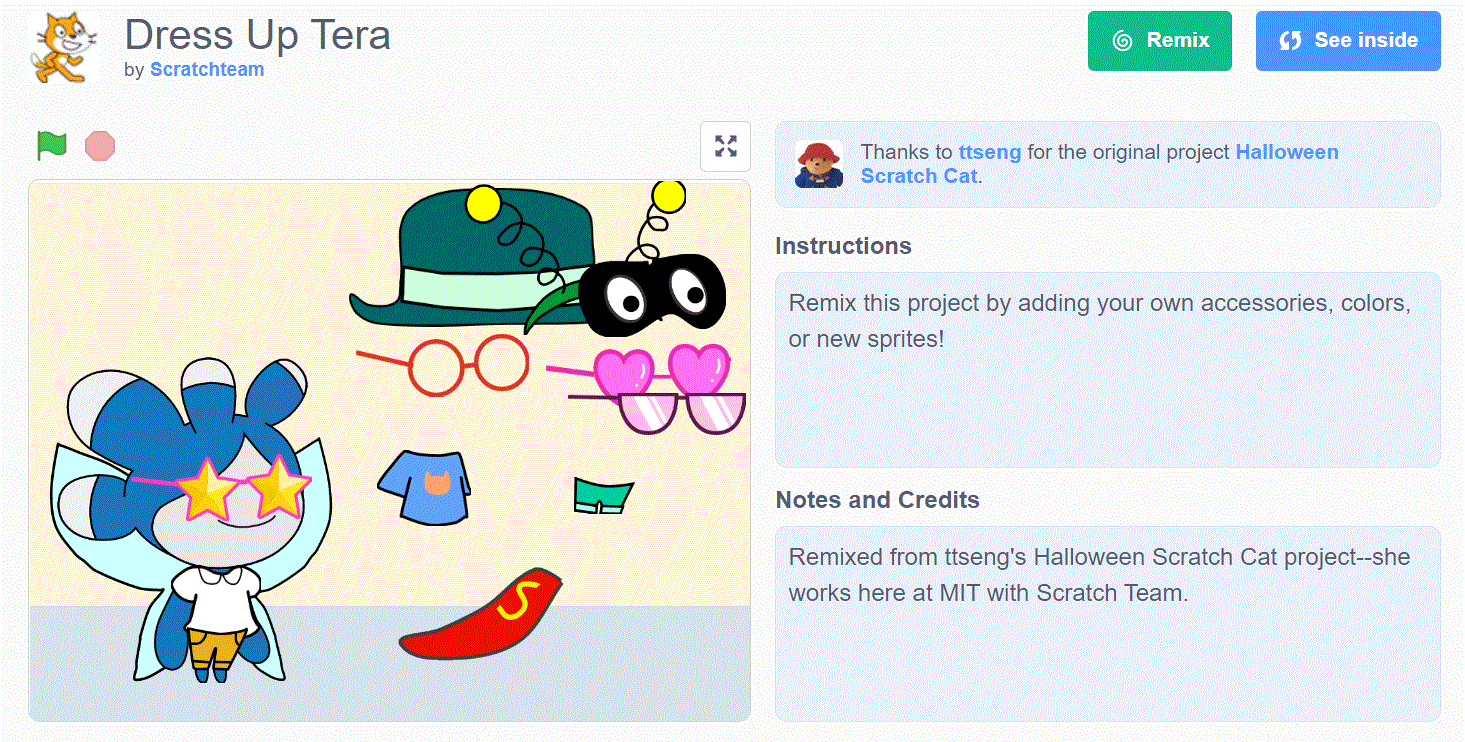
Dress Up Tera
In this game, the player can dress up Tera! Using the items provided, try to figure out how many outfits Tera can try on. Be creative as you drag the items to her. Click on the button below to get started!
Remix Starter Project
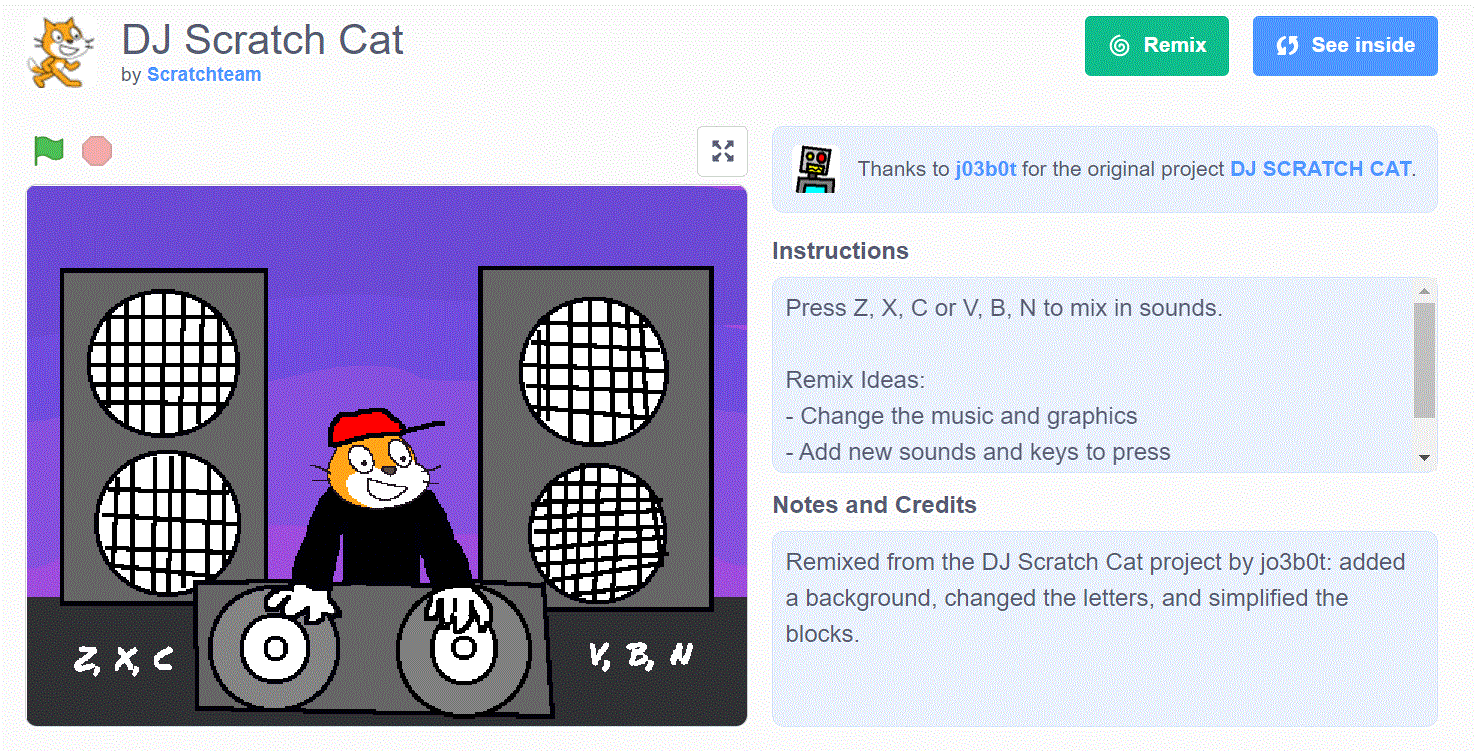
DJ Scratch Cat
This is a fun music game that starts out with a beat and the player can make a remix by clicking letters on the keyborad to make different sound. Click on the button below to make an awesome remix!
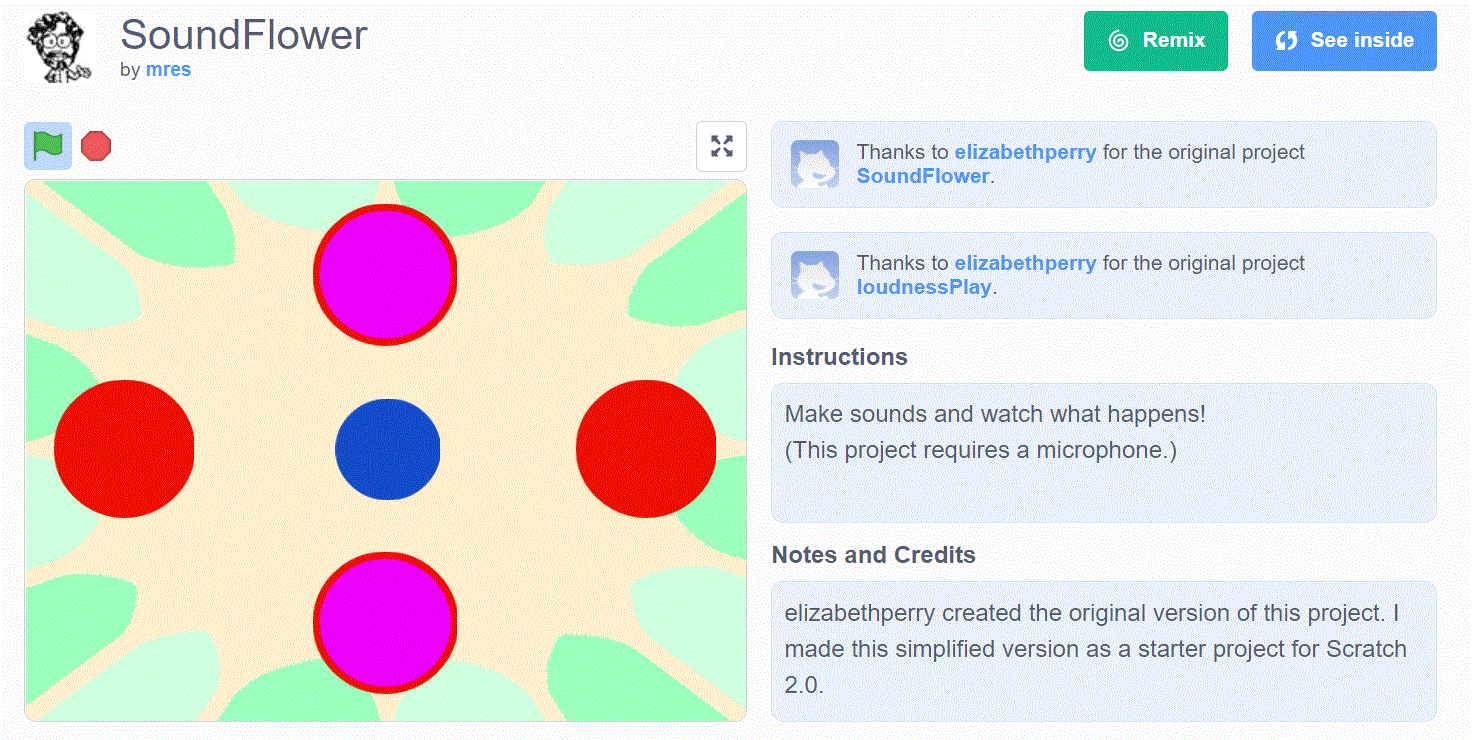
SoundFlower
SoundFlower is a cool creation that is based on sound around you. Each time you make a noise, the shapes will grow and widen when the computer picks up a sound. Click on the button below to see it in action!
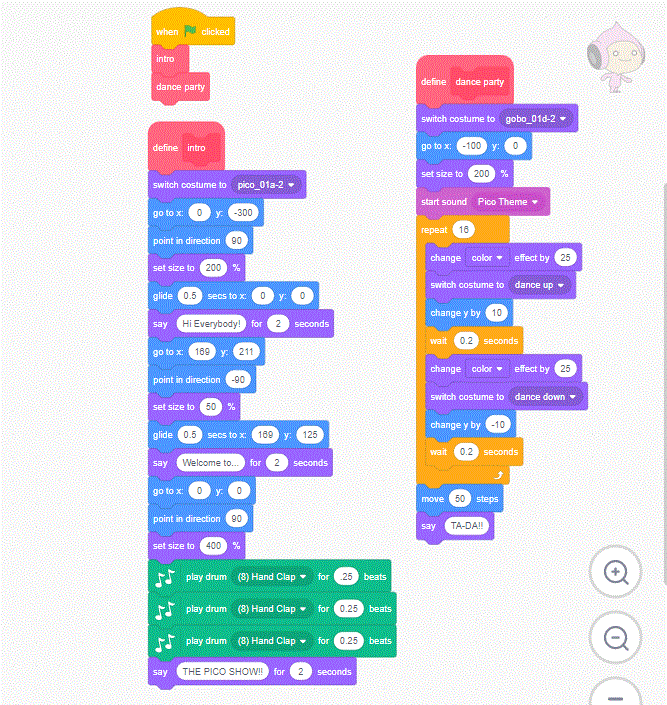
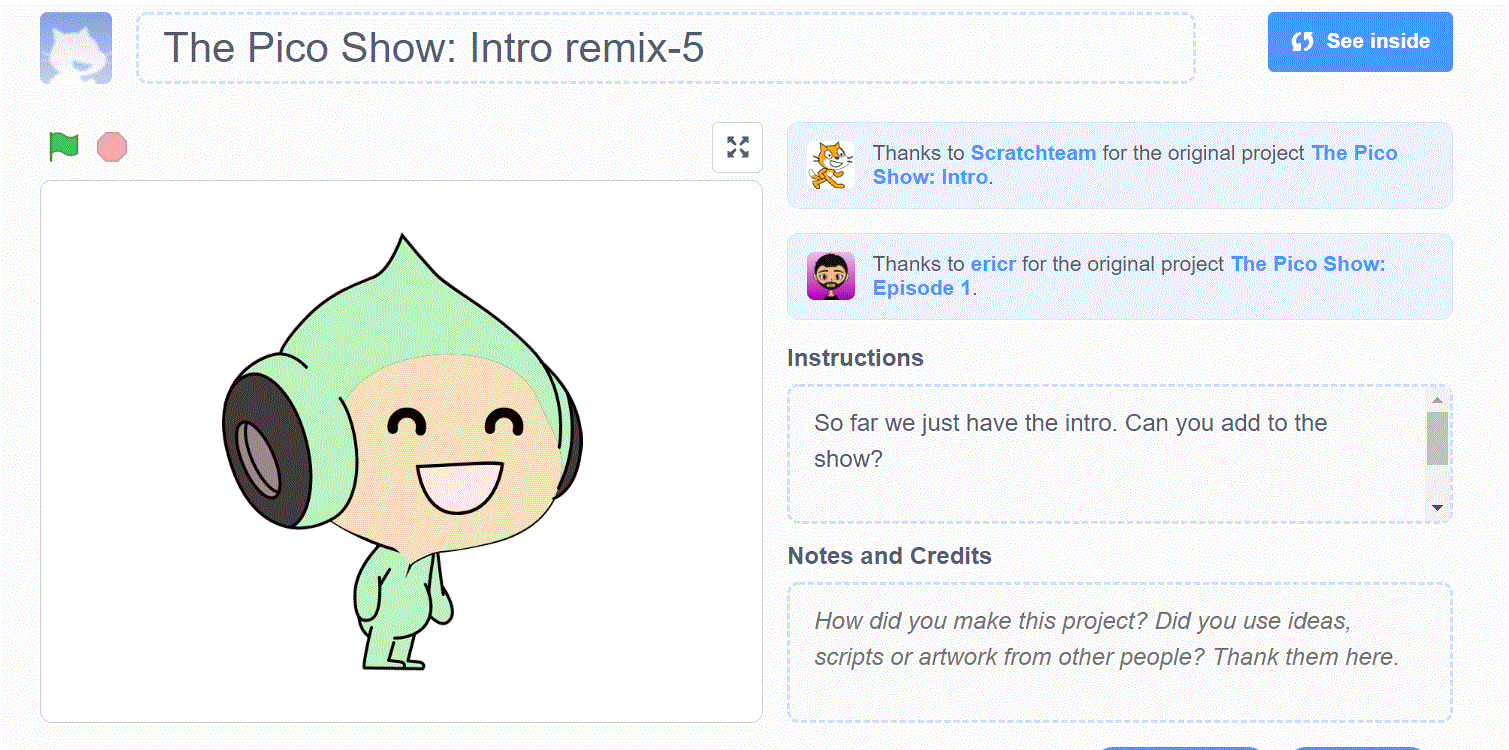
For my remix, I did The Pico Show. How it works is that you will click on the green flag, and Pico will start performing to welcome you to his show. Some changes that I made was switching Pico's position to do different dance moves. Another change was changing is colors of Pico. The last change that I made was changing the sound of the cowbell to three claps. This made it more fun and different. Some additions I made was that I added another costume switch, there is more varitiy, to see more action from Pico. Another action that I made was adding three claps instead of having the one cowbell. The last addition I made was putting a comment saying TA-DA as the last thing the player will see. The additions will make the project more exciting! Click on the button below to see the show!
Childhood Melodies Final Project
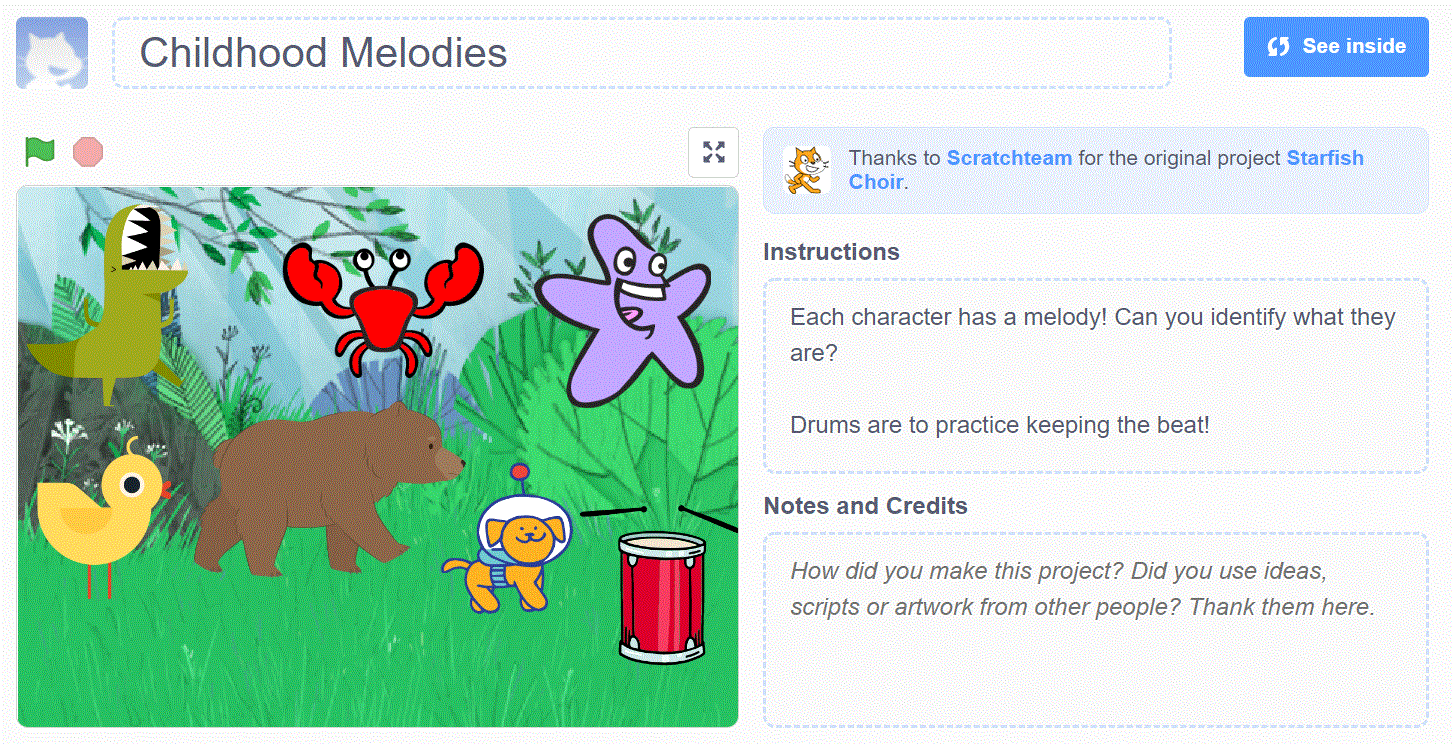
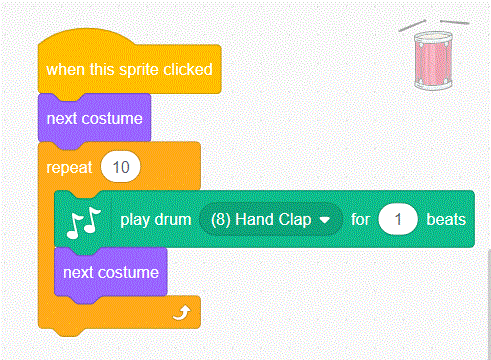
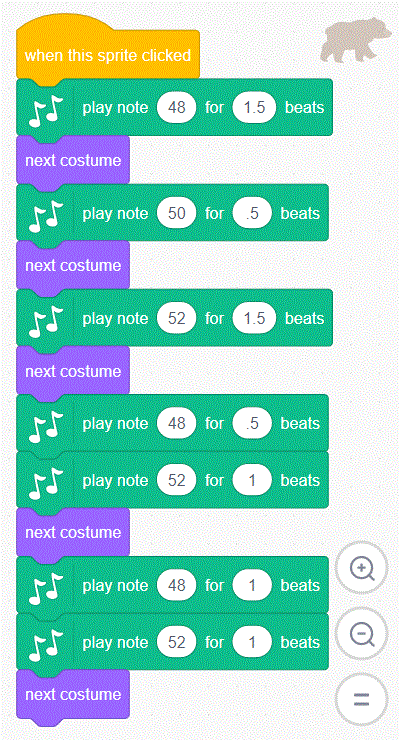
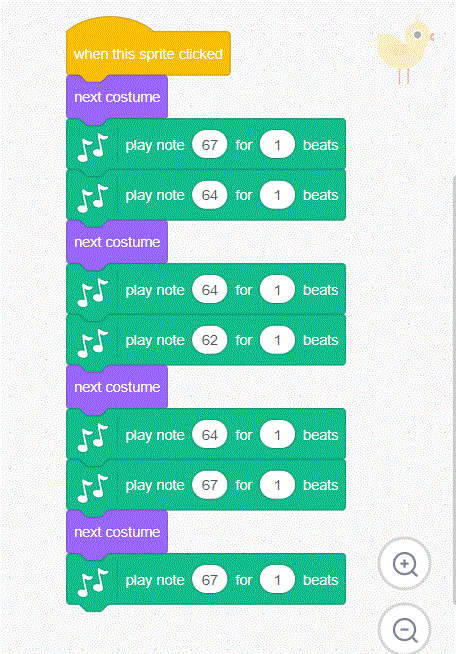
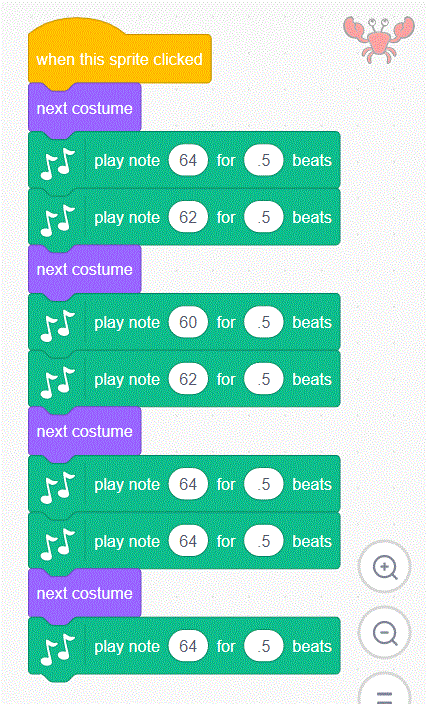
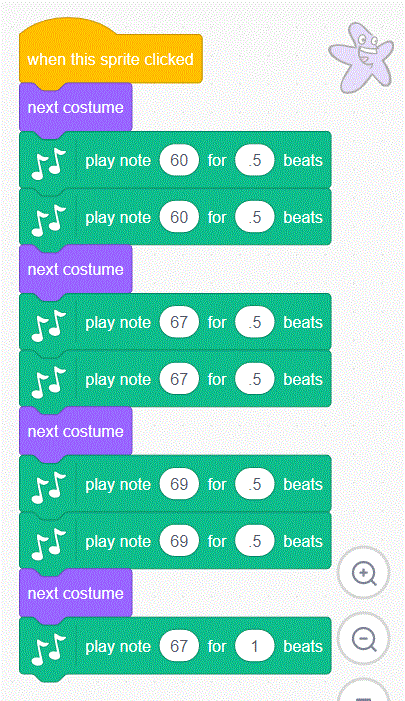
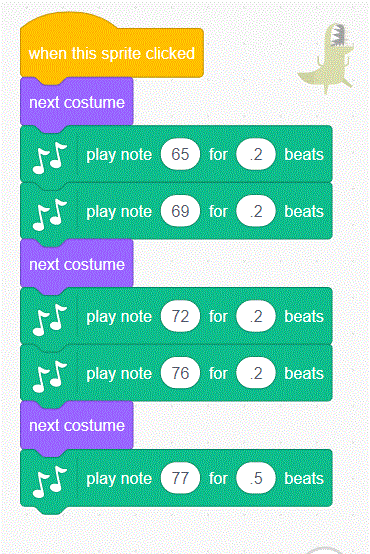
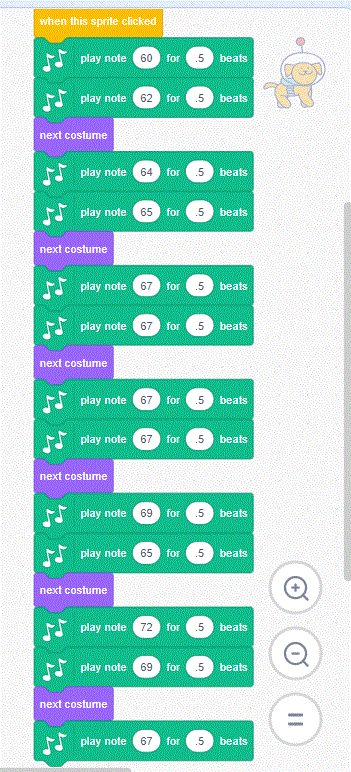
For my orginal project, I did a musical project. Once a player clicks on a character a song will start playing as they do an action. Each character plays a different melody and the players goal is to identify the melody. There are six songs that I made and they should be identifiable. The drum is there to practice keeping the beat. The three tutiorias I used for this project is the music, animate a character, add a sprite one, and more! This is a fun project for players to try and guess the songs. Click on the button below to see how many melodies you can get right!
bottom of page